Representative Example
A pricing page that couldn’t answer “which plan do I need?”
A service business with three packages — and the same question showing up on intake calls that the website should have answered first.
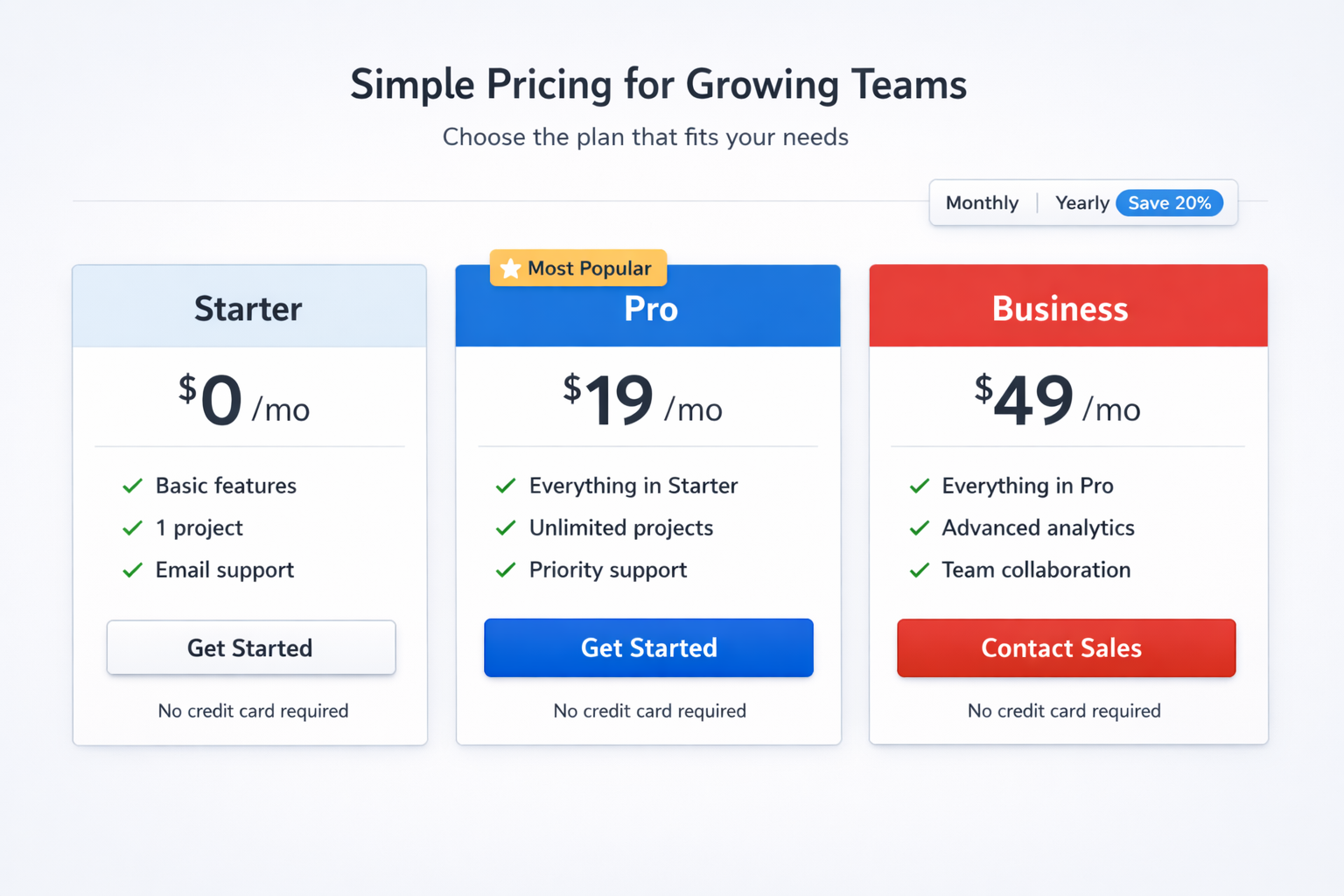
Problem
The business offered three service tiers, but new inquiries kept opening with the same question: “Which one is actually right for me?” The pricing page wasn’t doing that work.
Observation
On review, every plan used the same card size, button style, and headline weight. Feature lists ran the same length. Nothing indicated which option most clients start with — so visitors treated all three as equally valid and stalled.
Recommendation
Name a recommended tier for the most common client type. Compare only the differences that affect the decision. Move full feature lists below the choice point so the page leads with clarity, not volume.
Outcome
The page could answer “which one is for me?” before the contact form — instead of passing that conversation to the first phone call or email.
Before vs After
Before
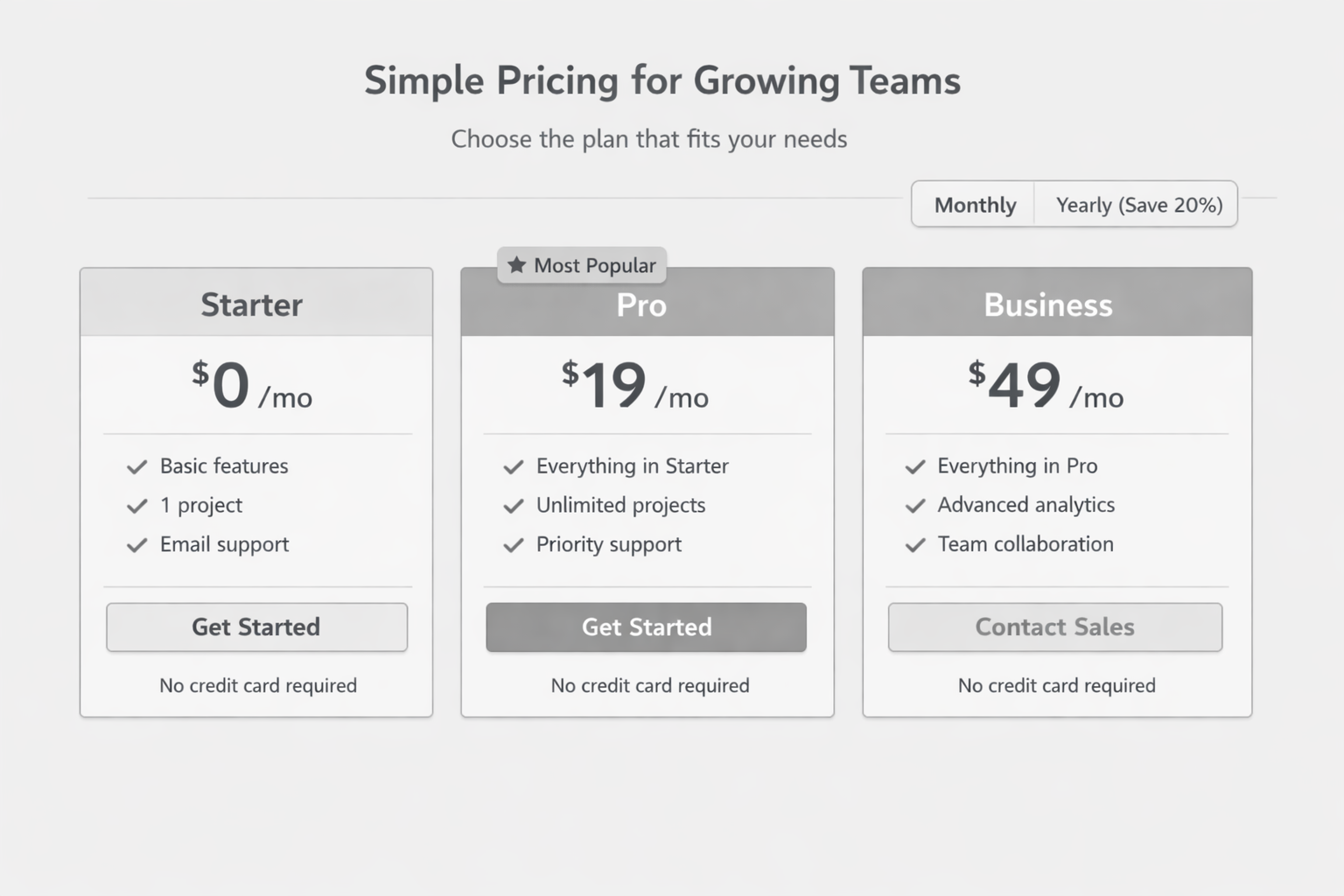
- All three tiers looked equally important
- Feature lists were the same length — nothing to scan
- No recommended starting point for new clients
After
- Recommended tier named for the most common client
- Comparison limited to decision-relevant differences
- Full details available below the choice — not before it
See the rebuilt pricing section
This is the pricing layout after the recommendation was implemented — a working version you can inspect, not a mock-up.
Audit note: When every option looks equally valid, visitors don’t choose — they leave or call. The fix is rarely a new colour palette. It’s naming the path most people should take.
Summary
The pricing page now does the qualifying work upfront — so intake conversations start further along, not at “help me understand your packages.”
Seeing the same problem on your site?
Start with a website audit. I’ll tell you what’s blocking people and whether a fix like this is worth building.